


The artificial intelligence video editing landscape has undergone a revolutionary transformation in 2025, with the global AI video editing tools market valued at $1.6 billion and projected to reach $9.3 billion by 2030, representing a remarkable compound annual growth rate (CAGR) of 42.19%. This explosive growth reflects the increasing demand from content creators, marketers, and businesses seeking to produce high-quality video content without requiring extensive technical expertise. The democratization of video editing through AI has made professional-level content creation accessible to everyone, with tools that automate complex tasks like scene detection, background removal, color grading, and sound enhancement.
For beginners entering the video editing space in 2025, AI-powered tools offer an unprecedented opportunity to create engaging content with minimal learning curves. These sophisticated platforms leverage machine learning, computer vision, and deep learning algorithms to simplify traditionally complex workflows, enabling users to produce professional-quality videos in minutes rather than hours. As the video editing software market continues its robust growth from $2.38 billion in 2024 to a projected $3.27 billion by 2029, understanding which AI tools best serve beginners has become crucial for anyone looking to establish their presence in the digital content ecosystem.
The AI Video Editing Revolution: Why It Matters for Beginners
The rise of AI-powered video editing represents a fundamental shift in how content is created and consumed. Traditional video editing required extensive technical knowledge, expensive software, and countless hours of manual work. Today’s AI tools have eliminated these barriers by automating tedious tasks such as cutting clips, generating subtitles, removing backgrounds, and optimizing audio quality. This transformation is particularly beneficial for beginners who can now focus on storytelling and creativity rather than mastering complex technical processes.
The beginner-friendly nature of modern AI video editors is evidenced by consistently high ease-of-use scores across leading platforms, with tools like Canva achieving 6.6 out of 7 for user-friendliness. This standardization of intuitive interfaces means that first-time users can typically start creating content within minutes of signing up. The technology has reached a point where AI can analyze video content, suggest edits autonomously, and even create complete videos from simple text prompts.
Key Benefits for Beginners
AI video editing tools offer several advantages specifically valuable to newcomers:
Time Efficiency: Tasks that previously required hours of manual effort now take minutes through automation. Features like automatic scene detection, smart cropping, and instant rendering allow beginners to produce content at professional speeds.
Cost-Effectiveness: Many AI tools offer robust free tiers or affordable subscription models, making high-quality video production accessible without significant upfront investment. This democratization allows small businesses, individual creators, and students to compete with larger organizations.
Learning Acceleration: AI tools serve as educational platforms, teaching editing principles through automated suggestions and real-time feedback. Beginners can observe how AI handles transitions, pacing, and visual effects, gradually building their understanding of editing fundamentals.
Quality Assurance: Advanced algorithms ensure consistent output quality, helping beginners avoid common mistakes like poor audio levels, inadequate lighting correction, or jarring transitions.
Top 10 AI Video Editing Tools for Beginners in 2025
1. Descript – The Text-Based Editor Revolution
Best for: Podcast editing, interview content, and transcript-based editing
Descript has revolutionized video editing by introducing a text-based approach that feels as natural as editing a document. This innovative platform allows users to edit videos by simply modifying the automatically generated transcript, making it incredibly accessible for beginners who find traditional timeline editors intimidating.
Key Features for Beginners:
- Text-Based Editing: Edit videos by editing the transcript, cutting out “ums,” “uhs,” and unwanted segments with simple backspace commands
- Eye Contact Correction: AI automatically adjusts eye direction to maintain viewer engagement, even when reading from scripts
- Studio Sound: Regenerative AI removes background noise and enhances voice quality without expensive equipment
- Green Screen Replacement: Built-in background removal and replacement without physical green screens
- Automatic Filler Word Removal: One-click removal of verbal fillers to create more professional content
Pricing Structure:
- Free Plan: Basic features with limited usage
- Creator Plan: $12/month with enhanced AI features
- Pro Plan: Advanced collaboration and unlimited usage options
Descript’s strength lies in its accessibility for beginners who struggle with traditional video editing interfaces. The platform’s text-centric approach makes video editing feel familiar and intuitive, particularly for content creators who are comfortable working with written content.
2. CapCut – The Social Media Powerhouse
Best for: Social media content, TikTok videos, and mobile editing
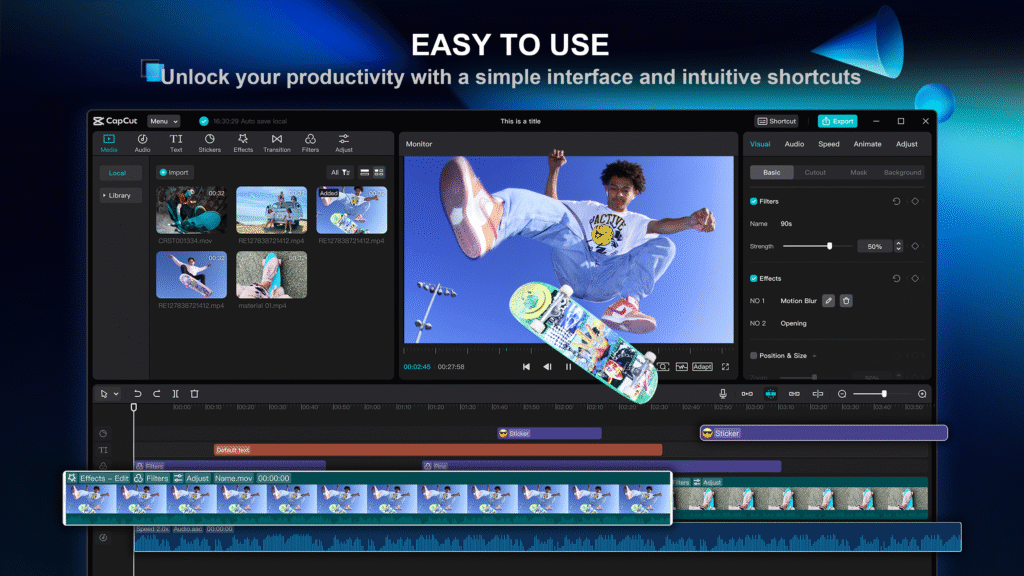
CapCut has emerged as the go-to free video editing solution for beginners, particularly those focused on social media content creation. The platform’s AI-powered features streamline the creation of engaging short-form videos optimized for platforms like TikTok, Instagram, and YouTube Shorts.
Key AI Features:
- Auto-Cut Technology: AI analyzes footage and automatically creates engaging edits synchronized with music
- Smart Effects and Filters: AI-powered effects that automatically adjust lighting, colors, and motion effects
- Speech-to-Text Conversion: Automatic subtitle generation with high accuracy for improved accessibility
- Background Removal: Advanced AI removes backgrounds without green screens
- Object Tracking: Seamless tracking of moving subjects for applying effects and text
Pricing:
- Free Version: Comprehensive features with basic AI tools
- Pro Features: Advanced AI capabilities available through in-app purchases
CapCut’s mobile-first approach makes it particularly appealing to beginners who prefer editing on smartphones and tablets. The platform’s integration with social media trends and effects helps beginners stay current with viral content styles.
3. Wondershare Filmora – The Beginner’s Professional Tool
Best for: YouTube content, tutorials, and comprehensive video projects
Wondershare Filmora has established itself as the ideal stepping stone between basic and professional video editing. The platform combines an intuitive interface with powerful AI features, making it perfect for beginners who want room to grow.
Advanced AI Capabilities:
- Smart Short Clips: AI automatically generates social media-ready highlight reels from longer videos
- AI Audio Enhancer: Automated noise reduction and voice clarity optimization
- AI Video Enhancer: Intelligent lighting, contrast, and color palette optimization
- Motion Tracking: Automated object tracking for effects and text placement
- AI Copywriting Integration: Generates titles, subtitles, and captions tailored to video content
Pricing Options:
- Quarterly Plan: $29.99 for three months
- Annual Plan: Significant savings for long-term users
- Lifetime License: $79.99 for permanent access
Filmora’s strength lies in its balance of simplicity and power, offering beginners professional-grade tools without overwhelming complexity. The platform’s extensive template library and tutorial resources make it an excellent learning environment.
4. Canva Video Editor – The Design-Integrated Solution
Best for: Marketing videos, presentations, and branded content
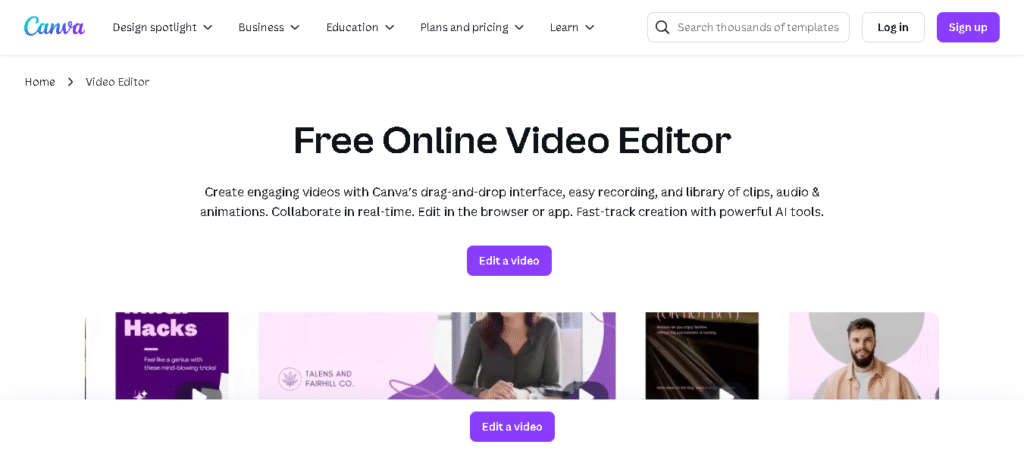
Canva has extended its design expertise into video editing, creating a seamless experience for users already familiar with the platform. The integration of video editing with Canva’s design ecosystem makes it particularly attractive for beginners working on branded content.
Key Features:
- Magic Studio Integration: AI-powered video generation from text prompts
- Template-Based Creation: Extensive library of professionally designed video templates
- Brand Kit Integration: Automatic application of brand colors, fonts, and logos
- Stock Media Access: Millions of high-quality stock videos, images, and audio tracks
- Social Media Optimization: Automatic resizing for different platform requirements
Pricing:
- Free Plan: Basic video editing with Canva branding
- Pro Plan: $12.99/month with advanced features and brand removal
Canva’s video editor excels at creating polished marketing content with minimal effort, making it ideal for small business owners and marketers new to video creation.
5. VEED.IO – The All-in-One Web Editor
Best for: Quick edits, subtitle generation, and collaborative projects
VEED.IO has positioned itself as a comprehensive web-based video editing solution that requires no software downloads. The platform’s step-by-step approach to video creation makes it particularly beginner-friendly.
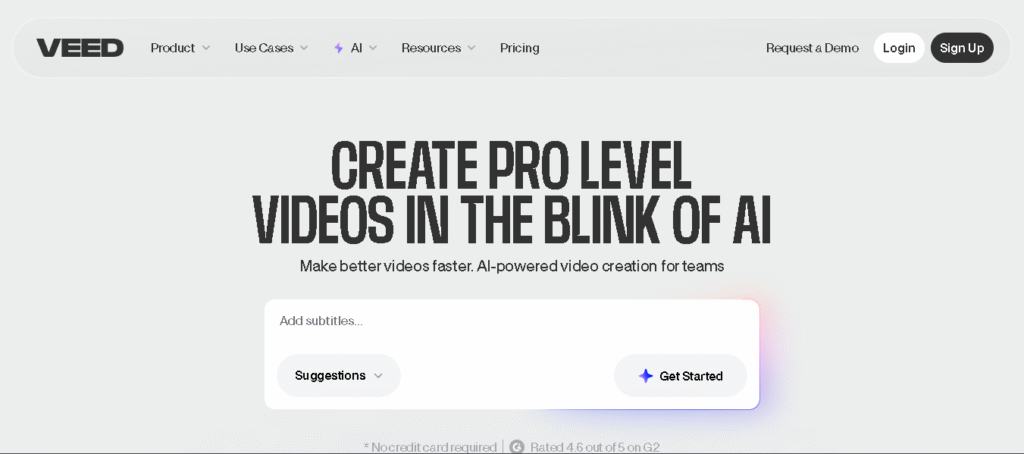
Standout AI Features:
- Complete Video Generation: AI creates entire videos including footage, voiceovers, and music from text prompts
- AI Avatar Integration: Generate videos with AI presenters for educational content
- Automatic Subtitles: Multi-language subtitle generation with high accuracy
- Voice Style Selection: AI-powered text-to-speech with multiple voice options
- Real-time Collaboration: Team editing capabilities with commenting and feedback tools
Pricing Structure:
- Free Plan: Basic features with watermark
- Pro Plan: $12.99/month with advanced AI tools and watermark removal
VEED.IO’s browser-based approach eliminates compatibility issues and storage concerns, making it accessible on any device with internet connectivity.
6. Lumen5 – The Content Transformation Specialist
Best for: Blog-to-video conversion, educational content, and automated video creation
Lumen5 specializes in transforming written content into engaging videos, making it perfect for beginners who have existing blog posts, articles, or scripts they want to repurpose. The platform’s AI-driven approach automates most of the video creation process.
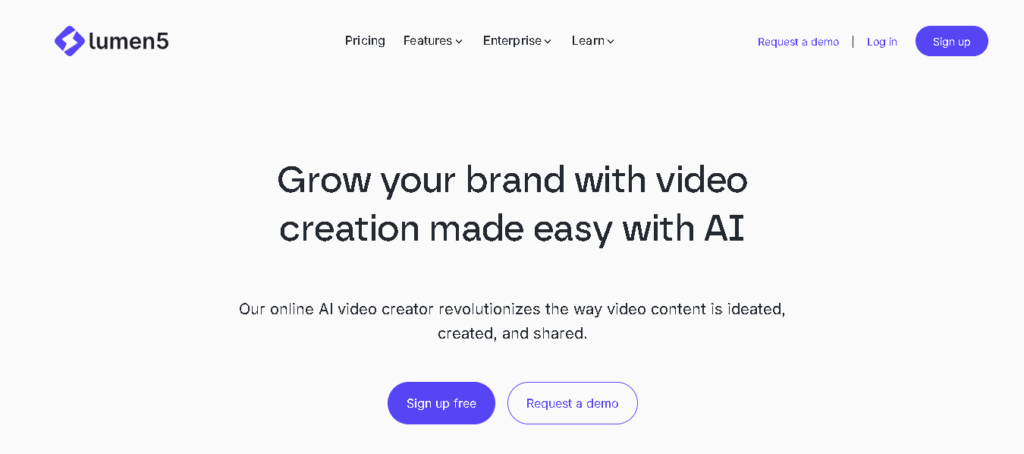
Core AI Capabilities:
- Text-to-Video Conversion: Automatically converts blog posts and articles into video format
- AI Content Analysis: Extracts key messages and creates scene breakdowns
- Media Matching: AI selects relevant images and video clips from extensive stock libraries
- Automated Summarization: Condenses long-form content into digestible video segments
- Brand Template Integration: Maintains consistent branding across all video projects
Pricing Plans:
- Community Plan: Free with basic features
- Basic Plan: $19/month without Lumen5 branding
- Starter Plan: $59/month with enhanced features and HD exports
Lumen5’s strength lies in its ability to quickly transform existing content into video format, making it invaluable for content marketers and educators who want to expand their reach across different media formats.
7. Pictory – The Long-Form Content Specialist
Best for: Repurposing long videos, creating highlights, and social media clips
Pictory has carved out a niche in transforming long-form content into engaging short clips perfect for social media distribution. The platform excels at identifying key moments and creating shareable content automatically.
Key Features for Beginners:
- Script-to-Video Creation: Convert written scripts into complete videos with visuals and narration
- Article-to-Video Conversion: Transform blog posts into engaging video content
- Automatic Highlight Generation: AI identifies the most engaging moments from longer videos
- Text-Based Editing: Edit videos by modifying transcripts, similar to Descript
- Getty Images Integration: Access to over 10 million stock images and videos
Pricing:
- Starter Plan: $19/month with basic features
- Professional Plan: Enhanced capabilities for growing creators
Pictory’s ability to extract highlights from longer content makes it particularly valuable for podcasters, webinar hosts, and educators who want to create promotional clips.
8. Animoto – The Template-Driven Solution
Best for: Marketing videos, slideshows, and event videos
Animoto focuses on template-driven video creation, making it extremely accessible for beginners who prefer guided experiences. The platform’s drag-and-drop interface and pre-designed templates eliminate the complexity of starting from scratch.
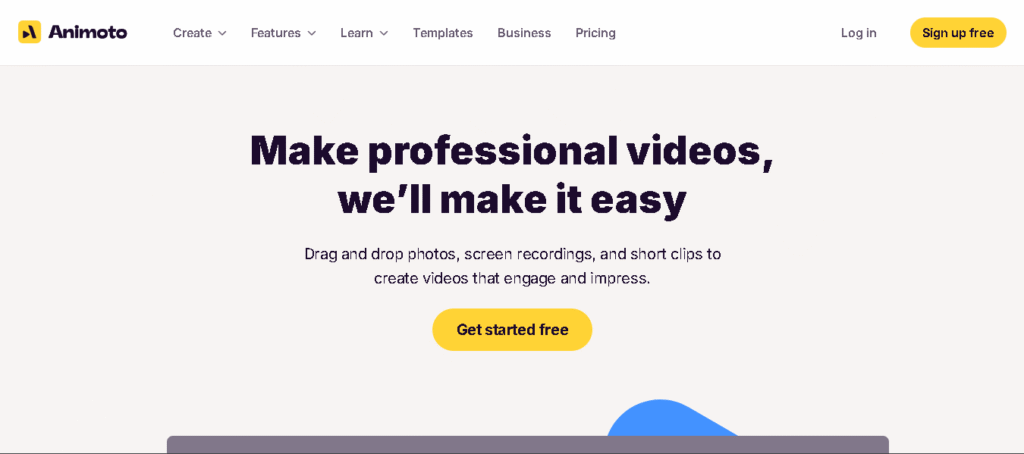
Beginner-Friendly Features:
- Template Library: Extensive collection of professionally designed templates for various purposes
- Drag-and-Drop Editing: Intuitive interface requiring no technical knowledge
- Music Integration: Access to over 3,000 licensed audio tracks
- Multi-Format Support: Handles 1000+ file formats including MP4, AVI, and various image types
- Social Media Integration: Direct publishing to Facebook, Twitter, and Pinterest
Pricing:
- Personal Plan: $8/month for individual creators
- Business Plans: Enhanced features for commercial use
Animoto’s template-centric approach makes it ideal for beginners who want professional results without learning complex editing techniques.
9. Kapwing – The Collaborative Creator
Best for: Team projects, meme creation, and educational content
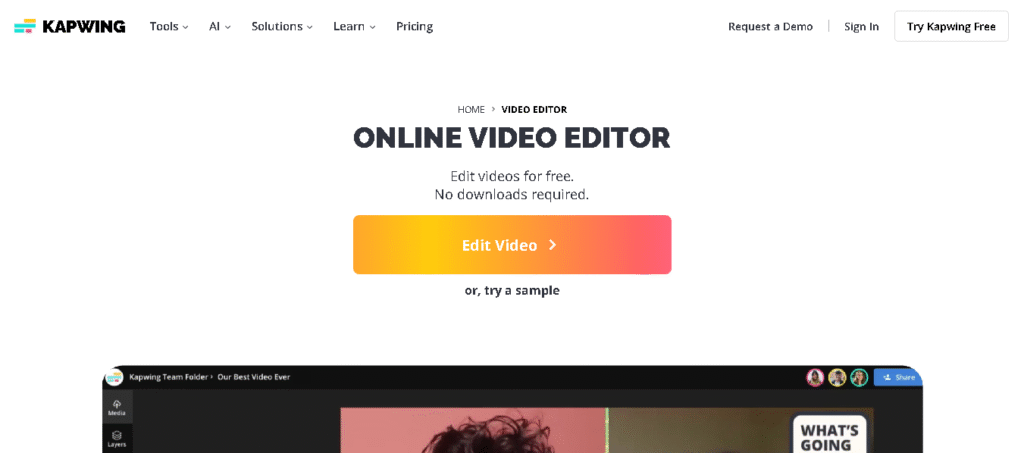
Kapwing has built a reputation as a versatile, collaborative video editing platform that’s particularly popular among educators and social media creators. The platform’s focus on ease of use and collaboration makes it excellent for beginners working in team environments.
Key AI Features:
- Auto-Subtitling: Accurate subtitle generation with customizable styling
- Audio Enhancement: AI-powered background noise removal
- Meme Templates: Specialized tools for creating viral content
- Real-Time Collaboration: Multiple users can edit simultaneously
- Multi-Platform Optimization: Automatic resizing for different social media platforms
Pricing:
- Free Plan: Basic features with usage limits
- Pro Plan: $16/month with unlimited access and advanced features
Kapwing’s collaborative features and educational focus make it particularly suitable for beginners learning in group settings or classroom environments.
10. Adobe Premiere Pro (with AI Features) – The Professional Growth Path
Best for: Serious beginners planning long-term growth and professional development
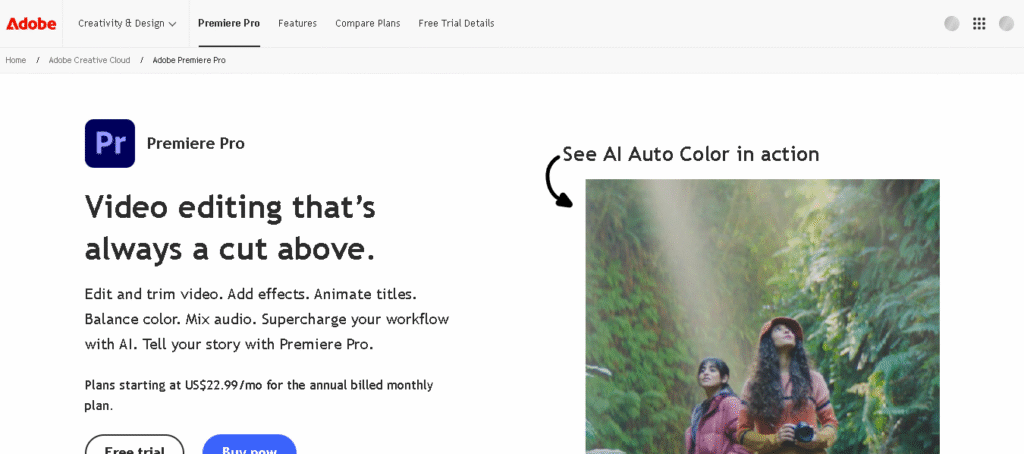
While Adobe Premiere Pro is traditionally considered professional software, its 2025 AI enhancements have made it more accessible to ambitious beginners. The platform’s AI features significantly reduce the learning curve while providing room for advanced growth.
Advanced AI Capabilities:
- Media Intelligence Search: AI-powered clip organization and search functionality
- Generative Extend: Automatically lengthens clips that are too short
- Auto Color Correction: AI analyzes and adjusts color balance automatically
- Speech-to-Text: Accurate transcription in 18+ languages
- Remix Feature: AI synchronizes audio with visual elements
Pricing:
- Single App: $20.99/month for Premiere Pro only
- Creative Cloud: Full suite access with additional applications
Premiere Pro’s AI features make it a viable option for beginners who want to start with professional-grade tools and grow into advanced capabilities.
Choosing the Right AI Video Editing Tool
Selecting the appropriate AI video editing tool depends on several factors that beginners should carefully consider. Understanding your specific needs, budget constraints, and long-term goals will help narrow down the options to find the perfect fit.
For Content Type and Platform Focus
Different tools excel at different types of content creation. Social media creators focused on short-form content should prioritize platforms like CapCut or Kapwing, which offer specialized features for TikTok, Instagram, and YouTube Shorts. Content marketers and bloggers might find more value in tools like Lumen5 or Pictory, which excel at transforming written content into video format.
Educational content creators and podcasters should consider Descript or VEED.IO, both of which offer excellent transcript-based editing and collaboration features. For marketing professionals and small business owners, Canva’s integration with existing design workflows and brand management tools provides significant advantages.
Budget Considerations and Free Options
Many AI video editing platforms offer generous free tiers that provide substantial functionality for beginners. CapCut stands out as completely free with comprehensive AI features, making it an excellent starting point for budget-conscious creators. Canva, VEED.IO, and Kapwing also offer robust free plans that can meet many beginner needs.
For those willing to invest in paid tools, the $10-20/month range provides access to professional-grade features from platforms like Descript, VEED.IO, and Filmora. This price point represents excellent value for beginners serious about content creation.
Learning Curve and Complexity
The ease of learning varies significantly between platforms. Text-based editors like Descript offer the gentlest learning curve for beginners comfortable with word processing. Template-driven platforms like Animoto and Canva provide structured environments that guide users through the creation process.
More traditional timeline-based editors like Filmora and Adobe Premiere Pro require slightly more learning investment but offer greater creative flexibility as skills develop. The choice depends on whether immediate results or long-term skill development takes priority.
Getting Started: Best Practices for Beginners
Successfully entering the world of AI video editing requires a strategic approach that balances learning with practical application. Beginners should focus on building foundational skills while leveraging AI automation to achieve professional results.
Start with Clear Goals
Before diving into any platform, beginners should define their content goals and target audience. Understanding whether the focus is on social media growth, educational content, marketing videos, or personal projects will guide tool selection and feature prioritization. This clarity helps avoid the overwhelming feeling that can come from too many options.
Leverage Templates and Presets
Most AI video editing platforms offer extensive template libraries designed to jumpstart the creative process. Beginners should take advantage of these resources to understand effective video structures, pacing, and visual design principles. Templates serve as educational tools that demonstrate professional techniques while providing immediate usable results.
Focus on Storytelling Over Technical Perfection
AI tools handle most technical aspects automatically, allowing beginners to concentrate on storytelling and message delivery. Rather than getting caught up in complex technical settings, new users should focus on creating engaging narratives that resonate with their intended audience. The AI will handle color correction, audio enhancement, and technical optimization.
Practice with Short Projects
Beginning with short, simple projects helps build confidence and famamiliarity with chosen platforms. Creating 30-60 second videos allows beginners to complete entire projects quickly, learning the full workflow from import to export. Success with shorter content builds momentum for tackling more complex projects.
The Future of AI Video Editing for Beginners
The AI video editing landscape continues evolving rapidly, with significant developments expected throughout 2025 and beyond. Understanding these trends helps beginners make informed decisions about which platforms and skills to invest in for long-term success.
Emerging Technologies and Features
The integration of augmented reality (AR) and virtual reality (VR) capabilities into mainstream video editing platforms represents one of the most significant upcoming developments. By 2025, these immersive technologies are expected to become accessible to beginner creators, offering new ways to engage audiences.
Voice-controlled editing and natural language processing are advancing rapidly, with AI systems increasingly able to understand complex creative instructions delivered through conversational interfaces. This development will further lower barriers for beginners who struggle with traditional software interfaces.
Market Growth and Opportunities
The video editing software market’s projected growth from $2.38 billion in 2024 to $3.27 billion by 2029 indicates expanding opportunities for content creators. This growth is driven by increasing demand for video content across educational, marketing, and entertainment sectors.
The rise of mobile video editing applications and the exponential growth in esports and gaming industries create new niches for specialized content creation. Beginners entering these emerging markets can establish themselves as early adopters with significant growth potential.
Skills Development and Career Paths
As AI handles more technical aspects of video editing, human creativity and storytelling skills become increasingly valuable. Beginners should focus on developing these uniquely human capabilities while using AI tools to handle technical execution.
The democratization of video editing through AI creates opportunities for freelance creators and small businesses to compete with larger organizations. Understanding how to effectively collaborate with AI tools will become a crucial professional skill across many industries.
Conclusion
The landscape of AI video editing in 2025 offers unprecedented opportunities for beginners to create professional-quality content without traditional barriers of technical expertise or expensive equipment. From Descript’s revolutionary text-based editing to CapCut’s comprehensive free features, today’s AI tools democratize video creation in ways that were unimaginable just a few years ago.
The key to success lies not in choosing the most advanced tool, but in selecting the platform that best aligns with your specific goals, learning style, and budget constraints. Whether you’re a social media creator drawn to CapCut’s mobile-first approach, a marketer attracted to Canva’s brand integration, or an educator interested in Descript’s collaborative features, there’s an AI video editing solution designed for your needs.
As the AI video editing market continues its explosive growth toward $9.3 billion by 2030, early adoption of these tools provides significant competitive advantages. Beginners who master AI-assisted video creation today will be well-positioned to capitalize on the expanding opportunities in content creation, digital marketing, and online education.
The future belongs to creators who can effectively collaborate with AI, using these powerful tools to amplify their creativity while focusing on the uniquely human aspects of storytelling and audience connection. By starting with the right AI video editing tool and building skills systematically, beginners can quickly transform from novices to confident content creators ready to thrive in the AI-powered media landscape of 2025 and beyond.