

The presentation landscape has been fundamentally transformed by artificial intelligence, ushering in a new era where creating professional, visually stunning slides requires minimal time and design expertise. Modern AI presentation tools are revolutionizing how we approach slide creation, enabling anyone to produce compelling presentations in minutes rather than hours.
This comprehensive guide explores the most powerful AI presentation tools available today, their advanced features, practical applications, and how to leverage them effectively to create presentations that captivate audiences and achieve your communication goals.
Understanding AI Presentation Tools
AI presentation tools represent a sophisticated convergence of machine learning, natural language processing, and design automation. These platforms analyze your content, understand context and purpose, and automatically generate professional slide layouts with appropriate visual elements, color schemes, and typography.
Unlike traditional presentation software that provides templates and expects you to fill them manually, AI presentation makers use advanced algorithms to transform simple text prompts, outlines, or entire documents into fully-formed slide decks. They can analyze your topic, suggest optimal slide structures, generate relevant content, and apply professional design principles automatically.
The Core Components of AI Presentation Technology
Modern AI presentation tools incorporate several key technologies:
Natural Language Processing (NLP) analyzes your input text to understand context, extract key themes, and generate appropriate slide content. This allows the AI to create coherent narratives and maintain logical flow throughout your presentation.
Computer Vision and Design AI automatically select appropriate layouts, color schemes, fonts, and visual elements based on your content type and industry. These systems have been trained on millions of successful presentations to understand what works visually.
Content Generation AI can create original text, suggest improvements to existing content, and even generate speaker notes. Many platforms integrate with large language models to provide sophisticated writing assistance.
Automated Layout Optimization ensures that your slides maintain visual hierarchy and professional appearance regardless of content length or complexity. The AI automatically adjusts element positioning, sizing, and spacing.
Top AI Presentation Tools for 2025: In-Depth Analysis
Gamma: The All-in-One AI Presentation Platform
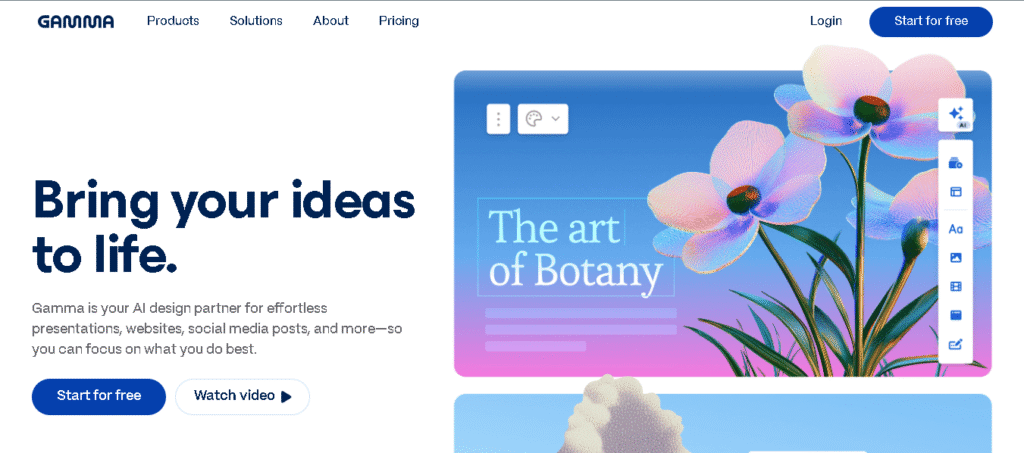
Gamma stands out as the most comprehensive AI presentation tool available today, offering unparalleled content generation capabilities and modern design aesthetics. What sets Gamma apart is its ability to create complete presentations from a single prompt, transforming abstract ideas into professional slide decks in seconds.
Advanced Features:
- One-Click Polish feature automatically refines design elements and optimizes visual hierarchy
- Card-based system allows for flexible, non-linear presentation formats that work well for modern audiences
- AI-powered content generation creates comprehensive slide narratives with logical flow and engaging structure
- Real-time collaboration enables teams to work together seamlessly on presentations
- Analytics integration provides insights into audience engagement and presentation effectiveness
- Multi-format export supports PowerPoint, PDF, and web-based sharing options
Unique Capabilities:
Gamma’s 2025 updates include enhanced AI image editing tools, multi-theme generation for instant style previews, and improved brand kit integration. The platform can generate presentations, documents, and even websites from the same content, making it a versatile content creation tool.
Pricing Structure:
- Free plan: 400 AI credits
- Plus plan: $10/month for unlimited AI creation and advanced features
- Advanced analytics and team collaboration tools available in higher tiers
Presentations.AI: The Professional’s Choice for Brand Consistency
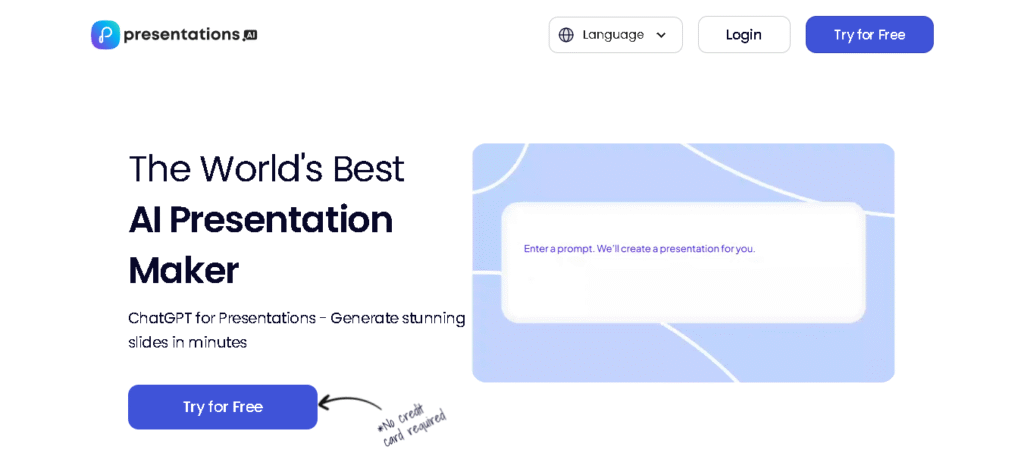
Presentations.AI focuses specifically on business presentations with advanced branding capabilities and sophisticated AI-driven content generation. The platform excels at maintaining brand consistency across all slides while providing intelligent design suggestions.
Key Features:
- Brand Sync technology automatically applies your company’s visual identity to all slides
- Anti-fragile templates adapt seamlessly to content changes while preserving design integrity
- High-fidelity PowerPoint export ensures perfect compatibility with traditional presentation software
- Multilingual support enables global teams to create presentations in multiple languages
- Advanced analytics track presentation performance and audience engagement
Professional Benefits:
The platform’s strength lies in its ability to transform any document or text into fully designed slides while maintaining corporate brand standards. This makes it ideal for businesses that need to produce consistent, professional presentations at scale.
Pricing Options:
- Free plan: 3 presentations
- Professional plans: Starting at $8.25/month
- Enterprise solutions with custom branding and team management features
Beautiful.ai: Design-First AI Presentation Tool
Beautiful.ai combines AI-powered automation with premium design aesthetics, offering a unique approach that prioritizes visual excellence. The platform’s DesignerBot can create entire presentations from prompts while maintaining exceptionally high visual standards.
Smart Design Features:
- Smart Slide templates automatically adapt to your content with built-in design rules
- Automatic content adaptation ensures optimal layout regardless of text length or image size
- Extensive template library provides professionally designed starting points for various industries
- Team collaboration tools enable multiple users to work on presentations simultaneously
- Brand customization options allow for consistent visual identity across all presentations
Design Innovation:
Beautiful.ai’s AI applies design principles in real-time, automatically adjusting layouts, colors, and typography as you add content. The platform knows what’s on your slide and how to optimize it for maximum visual impact.
Cost Structure:
- Free plan: Available with basic features
- Paid plans: Starting at $12/month
- Team plans with advanced collaboration and brand management features
Pitch: The Startup-Focused Presentation Platform

Pitch is specifically designed for creating compelling pitch decks and business presentations, with AI features that help startups and businesses create investor-ready presentations. The platform combines AI generation with advanced collaboration tools.
Business-Focused Features:
- AI-powered pitch deck generation creates structured presentations optimized for business audiences
- Advanced analytics track viewer engagement and presentation effectiveness
- Real-time collaboration with comprehensive team management tools
- Custom branding options ensure consistency across all company presentations
- Integration capabilities connect with business tools and CRM systems
Unique Selling Points:
Pitch’s AI understands the specific requirements of business presentations, generating content that follows proven frameworks for investor pitches, sales presentations, and corporate communications.
Investment in Quality:
- Free plan: Available with limited features
- Professional plans: Starting at $20/month
- Enterprise solutions with advanced analytics and team management
SlidesAI: The Google Slides Integration Champion
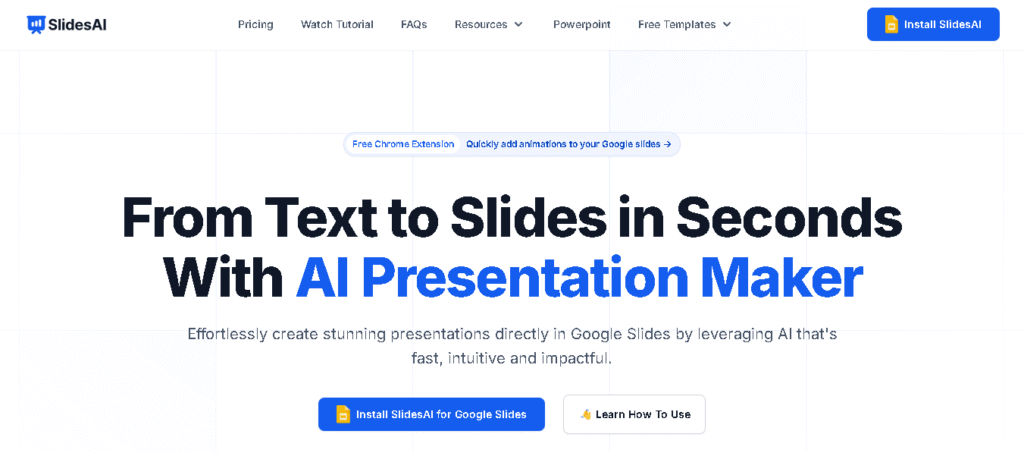
SlidesAI offers a unique approach by integrating directly with Google Slides, allowing users to generate AI-powered presentations within the familiar Google ecosystem. This integration makes it particularly attractive for teams already using Google Workspace.
Integration Advantages:
- Seamless Google Slides integration works within the existing Google Workspace environment
- Text-to-presentation conversion transforms any text content into structured slides
- Multilingual support with over 100 languages supported
- Theme customization allows for brand-consistent presentations
- Easy export options to PowerPoint and other formats
Practical Benefits:
The Google Slides integration means users can leverage AI capabilities without learning new software, making it accessible to teams with varying technical expertise.
Accessibility:
- Free plan: Available with basic features
- Paid plans: Starting at $10/month
- Enterprise solutions for larger organizations
Canva Magic Design: The Visual-First AI Tool
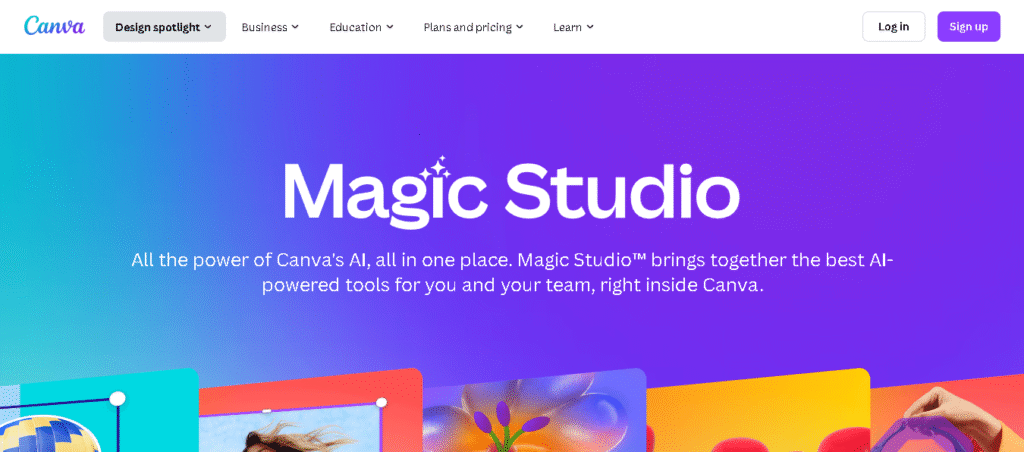
Canva’s Magic Design for Presentations represents a visual-first approach to AI presentation creation, leveraging Canva’s extensive design library and AI capabilities to create stunning visual presentations.
Visual Excellence:
- AI-powered design suggestions create professional layouts automatically
- Extensive media library provides access to millions of stock images and graphics
- Brand kit integration ensures consistent visual identity across presentations
- Animation capabilities add dynamic elements to static slides
- Multi-format export supports various presentation and document formats
Creative Features:
Magic Design can generate entire presentations from simple prompts, incorporating relevant images, graphics, and design elements that align with your content theme.
Pricing Accessibility:
- Free plan: Available with watermarked exports
- Pro plan: Affordable monthly subscription for full features
- Team plans with collaboration tools and brand management
Visme: The Interactive Presentation Specialist
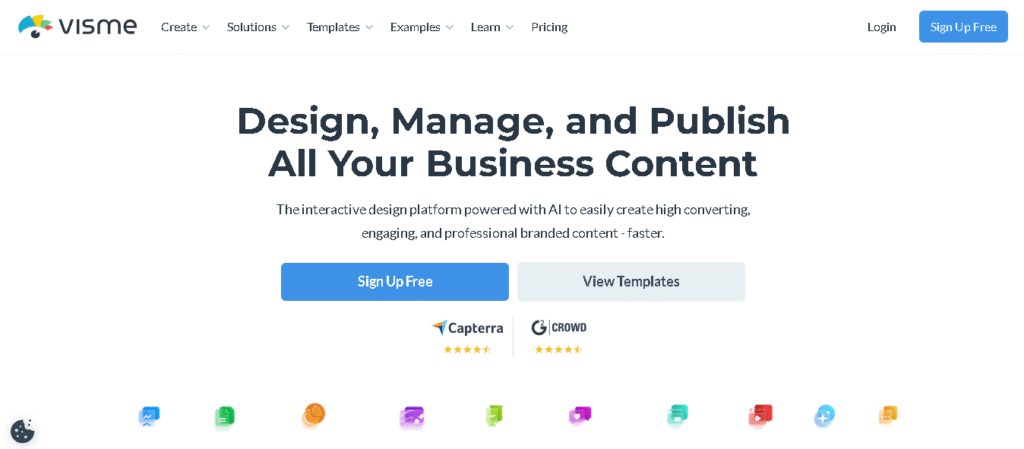
Visme specializes in creating interactive presentations that engage audiences through clickable elements, animations, and multimedia integration. The platform’s AI capabilities focus on creating dynamic, engaging content.
Interactive Features:
- Clickable presentations with navigation menus and interactive elements
- Animation and motion graphics bring static content to life
- Multimedia integration supports video, audio, and interactive charts
- Data visualization tools transform complex data into engaging visuals
- Survey and quiz integration enables audience participation
Engagement Focus:
Visme’s AI understands how to create presentations that maintain audience attention through interactive elements and dynamic content flow.
Flexible Pricing:
- Free plan: Available with basic features
- Professional plans: Starting at $15/month
- Enterprise solutions with advanced interactive features
Prezi: The Dynamic Storytelling Platform
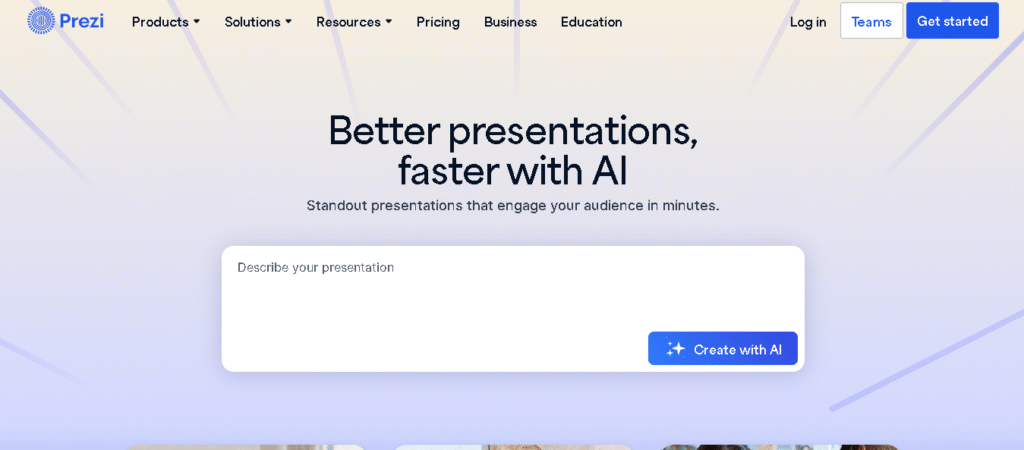
Prezi offers a unique approach to presentations with its zoomable canvas and non-linear format, combined with AI capabilities that create dynamic, engaging presentations.
Innovative Format:
- Zoomable canvas creates fluid, story-driven presentations
- AI content generation transforms topics into structured presentations
- Dynamic animations create smooth transitions between ideas
- Path-based navigation guides audiences through complex concepts
- Collaboration tools enable team-based presentation creation
Storytelling Excellence:
Prezi’s AI understands how to create presentations that tell compelling stories through visual flow and dynamic movement.
Professional Pricing:
- Free plan: Available with basic features
- Professional plans: Starting at $15/month
- Enterprise solutions with advanced collaboration and analytics
Advanced Features and Capabilities
AI-Powered Content Generation
Modern AI presentation tools excel at creating contextually relevant content that goes beyond simple text placement. These systems can analyze your topic and generate comprehensive slide narratives, including:
Intelligent Content Structuring automatically organizes information into logical sections and subsections, ensuring your presentation flows naturally from introduction to conclusion.
Dynamic Content Adaptation adjusts the depth and complexity of content based on your specified audience, whether you’re presenting to executives, technical teams, or general audiences.
Automated Research Integration can pull in relevant statistics, examples, and supporting information to strengthen your presentation’s credibility and impact.
Smart Design Automation
AI presentation tools have revolutionized design automation by applying sophisticated design principles automatically:
Adaptive Layout Systems monitor your content and automatically adjust layouts to accommodate different types of information, from text-heavy slides to image-focused presentations.
Color Psychology Integration selects color schemes that align with your content’s emotional tone and industry standards, ensuring your presentation conveys the right message.
Typography Optimization automatically selects font combinations that enhance readability and maintain visual hierarchy across all slides.
Real-Time Collaboration and Analytics
Modern AI presentation platforms include sophisticated collaboration features that enable teams to work together effectively:
Real-Time Editing allows multiple team members to work on the same presentation simultaneously, with AI helping to maintain consistency across different contributions.
Intelligent Version Control tracks changes and suggests optimal ways to merge different team members’ contributions while maintaining design coherence.
Engagement Analytics provide detailed insights into how audiences interact with your presentations, including time spent on each slide and engagement patterns.
Best Practices for AI Presentation Creation
Effective Prompt Engineering
The quality of AI-generated presentations depends heavily on the specificity and clarity of your input prompts. Effective prompt engineering involves:
Detailed Context Provision should include your objective, target audience, desired tone, and key messages. Instead of “create a marketing presentation,” use “create a B2B marketing presentation for software executives focusing on ROI metrics and implementation timelines”.
Structural Guidance helps AI understand your preferred presentation flow. Specify whether you want a problem-solution format, chronological structure, or comparison-based approach.
Brand and Style Specifications ensure consistency by providing clear guidelines about your organization’s visual identity, tone of voice, and messaging preferences.
Content Customization and Refinement
While AI tools provide excellent starting points, effective presentations require human refinement:
Personal Insight Integration involves adding your unique perspective, experiences, and insights that only you can provide. AI can structure and design, but your expertise makes the content valuable.
Audience-Specific Adaptation requires adjusting AI-generated content to match your specific audience’s knowledge level, interests, and expectations.
Narrative Enhancement involves refining the storytelling elements to create emotional connections with your audience that go beyond factual information.
Quality Control and Optimization
Maintaining high standards requires systematic review and optimization:
Accuracy Verification ensures all AI-generated facts, statistics, and claims are accurate and up-to-date. Always fact-check important information.
Design Consistency Review confirms that all slides maintain visual coherence and professional appearance across different devices and viewing conditions.
Message Clarity Assessment evaluates whether each slide communicates its intended message clearly and contributes to the overall presentation objective.
Industry-Specific Applications
Business and Corporate Presentations
AI presentation tools have transformed corporate communication by enabling rapid creation of professional presentations for various business contexts:
Executive Briefings benefit from AI’s ability to distill complex information into executive-friendly summaries with clear action items and strategic insights.
Sales Presentations leverage AI to create compelling narratives that address customer pain points and demonstrate value propositions effectively.
Training and Onboarding materials can be generated quickly and updated easily to reflect changing processes and requirements.
Educational Applications
Educational institutions and trainers are leveraging AI presentation tools to enhance learning experiences:
Lesson Planning becomes more efficient as AI can generate structured content that aligns with educational objectives and learning outcomes.
Student Presentations benefit from AI assistance in organizing ideas and creating visually appealing slides that enhance learning retention.
Professional Development content can be created rapidly to address specific skill gaps and training needs.
Marketing and Communication
Marketing professionals use AI presentation tools to create compelling content across various channels:
Campaign Presentations can be generated quickly to showcase strategy, creative concepts, and expected outcomes to stakeholders.
Product Launches benefit from AI’s ability to create cohesive narratives that build excitement and communicate value propositions.
Client Proposals can be customized rapidly for different clients while maintaining professional standards and brand consistency.
The Future of AI Presentation Tools
Emerging Technologies
The next generation of AI presentation tools will incorporate several emerging technologies:
Advanced Natural Language Processing will enable more sophisticated understanding of context and nuance, leading to more relevant and engaging content generation.
Voice-Activated Creation will allow users to create presentations through natural speech, making the process even more intuitive and accessible.
Augmented Reality Integration will enable immersive presentation experiences that blend digital content with physical environments.
Predictive Analytics and Personalization
Future AI presentation tools will leverage predictive analytics to optimize presentations for maximum impact:
Audience Behavior Prediction will analyze historical engagement data to suggest optimal content structure and timing for different audience types.
Real-Time Content Adaptation will enable presentations to adjust automatically based on audience feedback and engagement levels during delivery.
Personalized Content Generation will create customized versions of presentations for individual viewers based on their roles, interests, and previous interactions.
Integration and Workflow Optimization
The future will see deeper integration between AI presentation tools and existing business workflows:
CRM Integration will enable automatic generation of client-specific presentations based on customer data and interaction history.
Project Management Connectivity will allow presentations to be generated automatically from project milestones and deliverables.
Data Source Integration will enable real-time updates to presentations based on changing business metrics and KPIs.
Conclusion
AI presentation tools have fundamentally transformed the landscape of slide creation, offering unprecedented efficiency, quality, and accessibility. These sophisticated platforms enable anyone to create professional, visually stunning presentations in minutes rather than hours, democratizing the art of effective communication.
The key to success lies in understanding each tool’s unique strengths and selecting the right platform for your specific needs. Whether you prioritize design excellence, collaboration features, brand consistency, or interactive capabilities, there’s an AI presentation tool that can enhance your workflow and improve your results.
As these technologies continue to evolve, we can expect even more sophisticated features, better integration capabilities, and more intuitive user experiences. The future of presentations is undoubtedly AI-powered, and organizations that embrace these tools today will have a significant advantage in communicating effectively with their audiences.
The investment in AI presentation tools pays dividends not just in time saved, but in the quality of communication, audience engagement, and ultimately, the achievement of your presentation objectives. Start exploring these powerful tools today and discover how they can transform your approach to presentation creation.